
AI ski video analysis from a short video clip
Upload a clear ski clip and explore Balance, Steering, Pressure, and Edging. See your technique metrics, compare turns, and replay the movement behind each measurement. Your first analysis is free.
Drop your ski video here
- 1 free clip
- No sensors
- Works from phone video
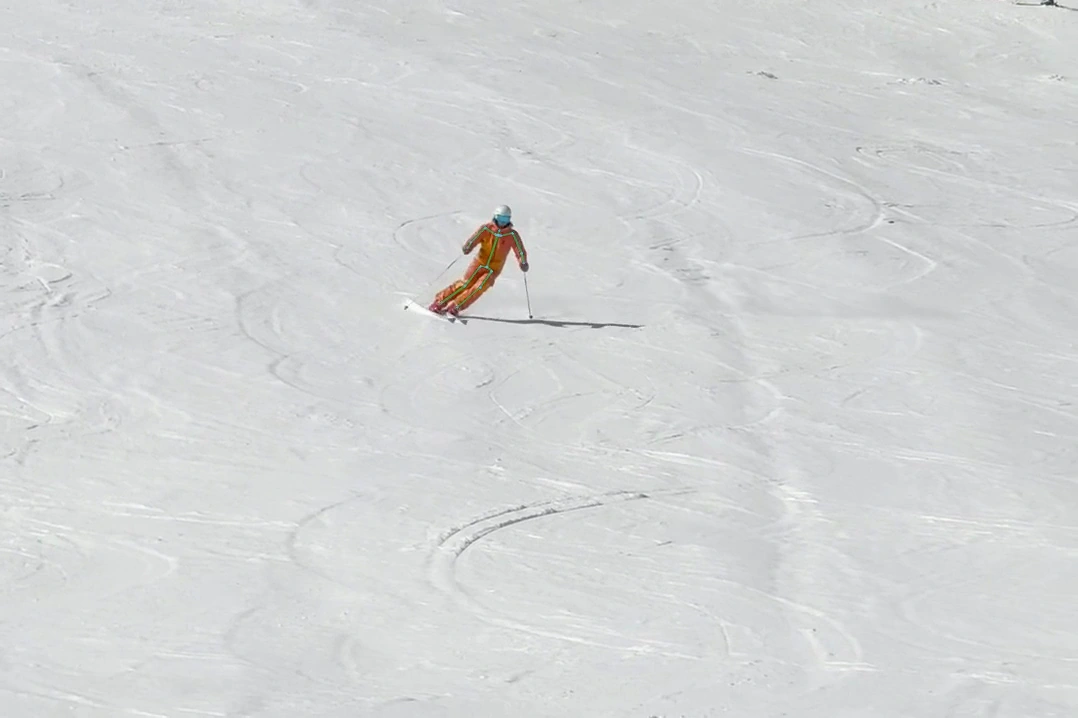
Example Edging Similarity: 91. The opening linked turns build edge together across both sides; later right turns are the review moments.
Replay views
Head-tracked and skeleton-overlay videos make fast ski footage easier to inspect.
Technique metrics
Hands forward, Stance width, Turn rhythm, G-force, Angulation, and Edging Similarity reveal patterns in your skiing.
Measurements explained
See what each metric measures, how to read its score, and which turn to inspect in slow motion.
Ski technique feedback from the video you already have
Poser analyzes short ski clips to make your movement easier to understand. Instead of watching a shaky phone video over and over, you get stabilized replay views, skeleton overlays, turn timing, and technique metrics that highlight patterns in your skiing.
You do not need boot sensors, special hardware, or a coached session. Upload a clear clip from your phone, choose the skier to track if needed, and Poser creates analysis outputs you can review frame by frame.
Upload a short clip
Best results come from 10–20 seconds with several linked turns.
Poser tracks the skier
The system finds the primary skier and follows the skier through the video, even when the camera moves or other skiers are in the frame.
Review the analysis
Watch replay views, compare turns, and explore the four Ski Elements.
Built around the skills that matter in skiing
Poser is built around four core elements of ski technique: edging, balance (body position), pressure, and steering (rotary).
Edging
How your skis build edge through the turn.
Angulation · Edging SimilarityBalance
How your body moves over your feet and through transition.
Hands forward · Stance widthPressure
How movement timing shapes pressure build and release through the turn.
G-forceSteering
How smoothly and consistently the skis change direction.
Turn rhythmInside and outside working together: Edging Similarity
Edging Similarity measures how well your inside ski and outside ski build edge together as a turn develops. A higher score means both skis are tipping and building edge in a more coordinated pattern. A lower score is a prompt to inspect whether the inside ski is staying flat, joining late, or moving differently from the outside ski.
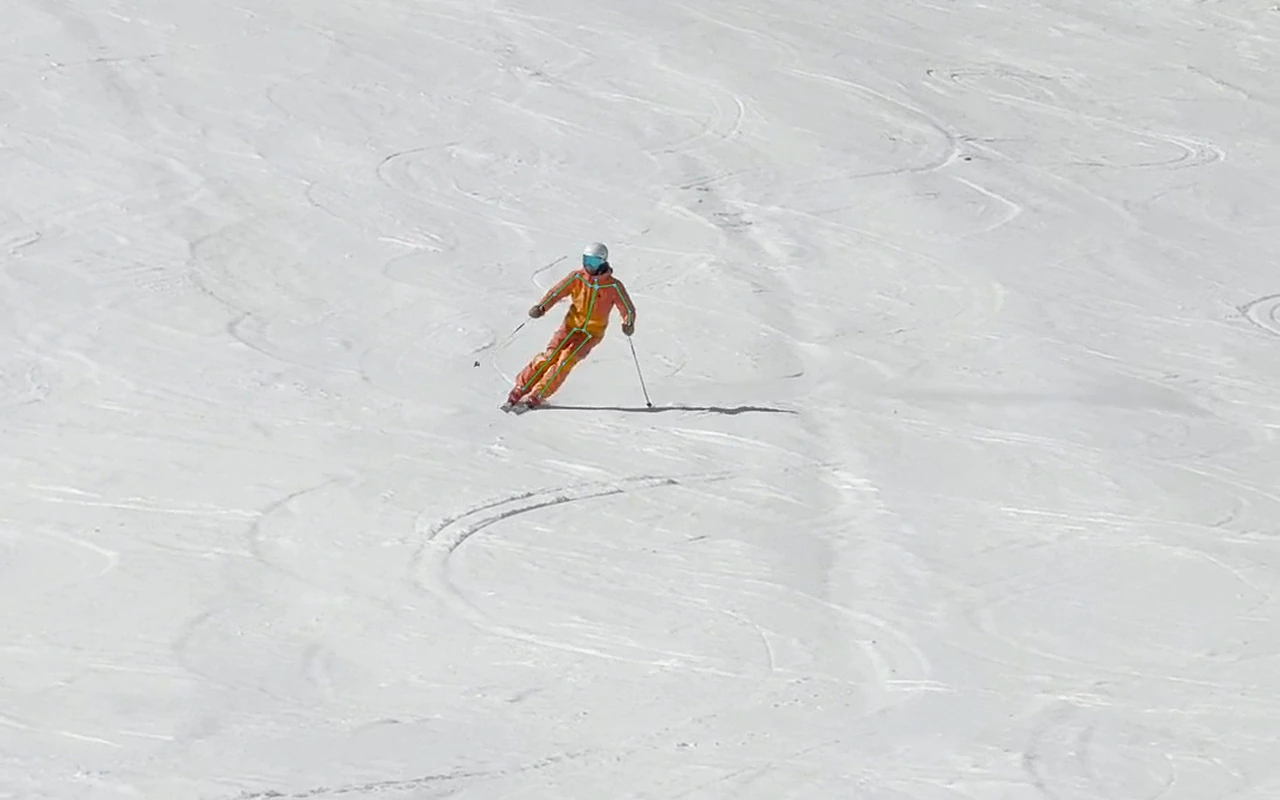
The overall score is high. Later right turns are still worth inspecting because they break the otherwise consistent edge-build pattern.
Compare your left and right turns
Most skiers are not perfectly symmetrical. Poser splits a run into turns so you can compare timing, rhythm, and technique patterns from one side to the other. This makes it easier to see whether an issue repeats every turn, only appears on one side, or shows up when the terrain changes.
Left and right turn timing is close. Use Turn rhythm to review consistency, then inspect individual turn durations.
See what Poser gives back
The raw ski video
The clip before the replay outputs: camera motion, changing skier distance, and normal phone-video framing.
Skier centered so movement is easier to compare
Poser locks onto the skier and keeps them centered, so you can watch body position turn after turn without the camera pulling your eye away.
Body alignment drawn on the skier
A pose skeleton tracks shoulders, hips, knees, and skis — making stance, angulation, and the edge-build of each leg easier to inspect frame by frame.
Left/right turns and Edging Similarity score
Measured complete turns show their scores and direction. Open a metric and compare its turns, then use the replay to inspect the movement.
In this illustrative example, later right turns are useful review moments: check whether the inside ski joins the edge build a little later after transition.
Use the measurements to guide your review
This is an example of interpreting a pattern. Poser explains what each metric measures and lets you loop a turn to form your own observation.
From ski clip to technique feedback
Upload your clip
Choose a short ski video clip from your phone or camera.
Primary skier auto-detected
Even if there are multiple people in frame, Poser finds and tracks the right skier.
Poser analyzes the movement
The system tracks the skier, estimates body pose, detects turns, and calculates technique metrics.
Review your results
Explore your Ski Elements, open a metric, and loop a turn to see the movement behind it.
Start with 1 free ski clip
Try Poser with your own skiing before paying for anything. The free plan includes 1 clip, replay views, skeleton overlays, turn analysis, and all four Ski Elements.
Free
Start hereEverything you need to analyze your own skiing and decide if Poser is for you.
- 1 free clip
- Head-tracked replay
- Skeleton overlay views
- Turn analysis
- Balance, Steering, Pressure, and Edging
Season Pass
All seasonKeep improving throughout the ski season with replay views, metrics, and technique feedback.
- Analyze clips all season
- Everything in Free
- Metrics and technique feedback
A better clip gives better feedback
Poser works best when the skier is clear, large in frame, and visible for several linked turns. You do not need a perfect video, but a few simple filming choices make the analysis much more useful.
- Ski toward the camera.
- Keep the skier large in frame, use zoom.
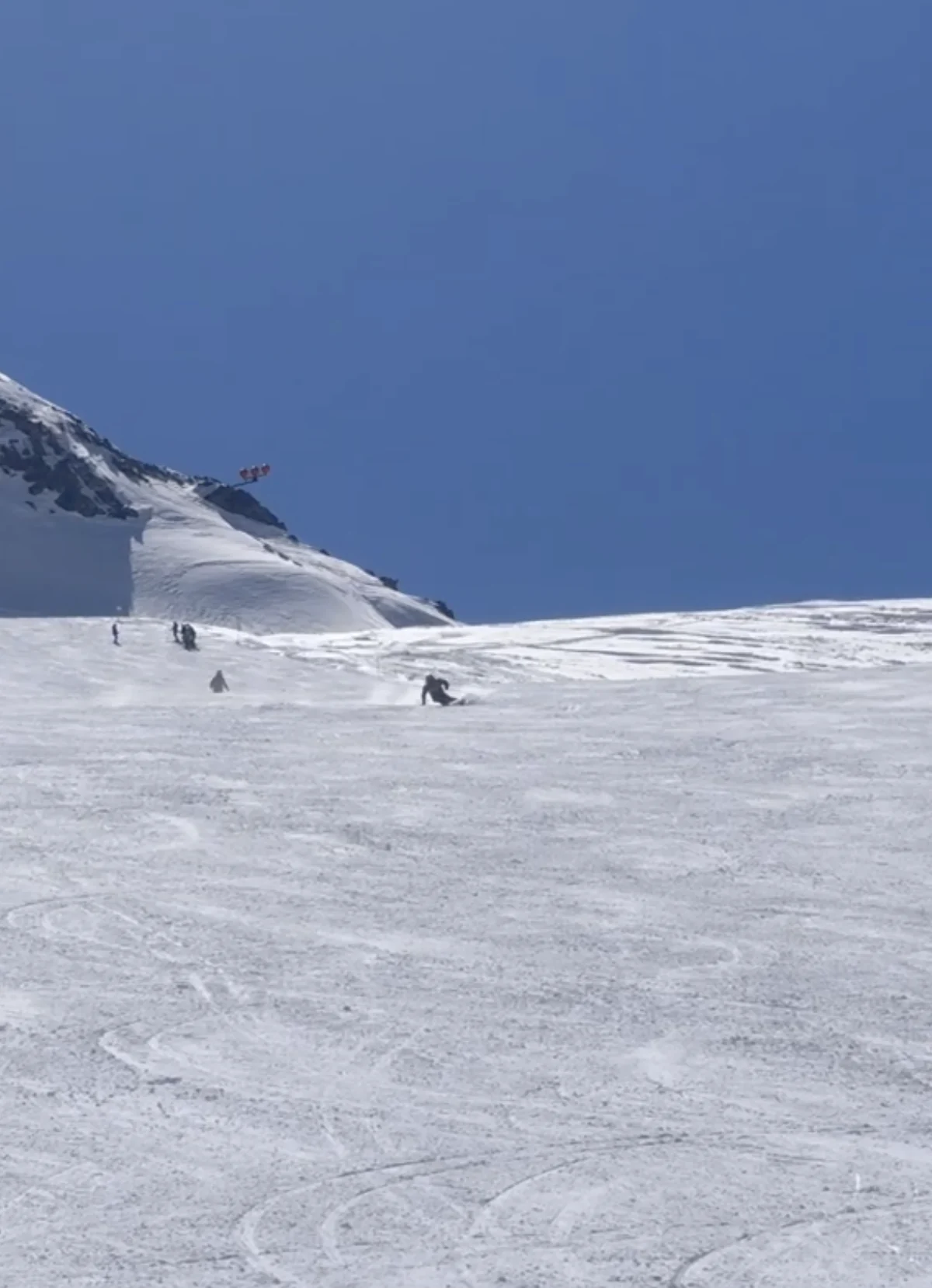
- Avoid backlit silhouettes.
- Capture at least 6–8 linked turns if possible.
- Use 60 FPS when available.
- Upload normal-speed video, not slow motion.
For skiers who want clearer feedback between lessons
Recreational skiers
Understand what your turns look like, not just what they feel like.
Carving-focused skiers
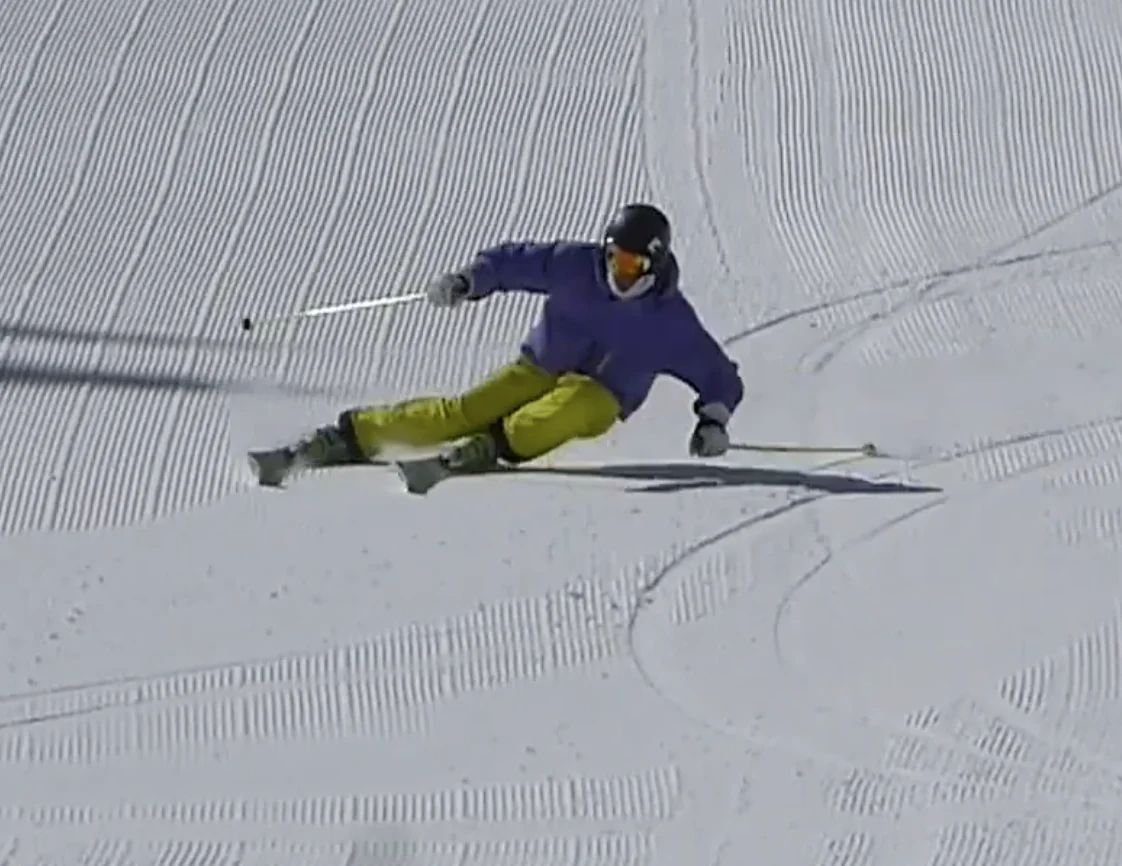
Check whether both skis build edge together through the top of the turn.
Instructors & coaches
Use visual overlays and turn metrics to support technique conversations.
Clubs & training groups
Give skiers a consistent way to review clips after training.
Built by a skier, instructor, and software engineer
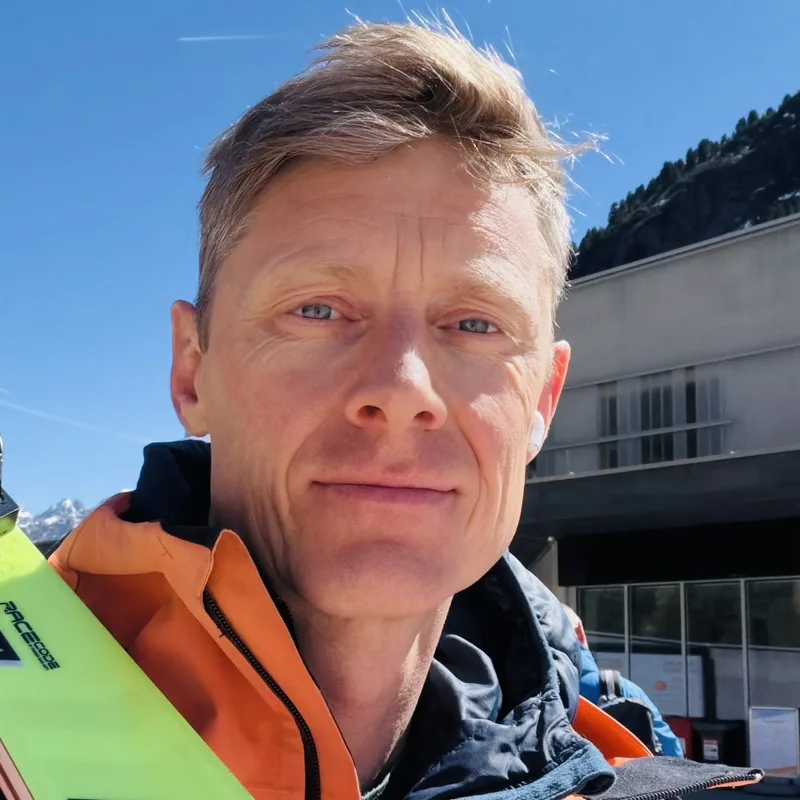
“The goal is not to replace coaching — it's to turn real ski clips into clearer replay views, objective movement signals, and better technique conversations.”
Poser is built by Christian Hansen so that any skier with a phone can get objective feedback and feel the joy of improving their skiing.
Questions skiers ask
Is Poser free?
Yes. You can start with 1 free clip, then get a $100 Season Pass to analyze your skiing all season.
Do I need sensors or special hardware?
No. Poser works from ski video.
Can I upload from my phone?
Yes. Phone video is fine if the skier is clear and large enough in frame.
How long should the clip be?
Aim for 10–20 seconds. Film enough to include at least 6-8 turns.
What does Poser analyze today?
Poser analyzes Balance, Steering, Pressure, and Edging from a short ski video. Review Hands forward, Stance width, Turn rhythm, G-force, Angulation, and Edging Similarity alongside your replay.
What is Edging Similarity?
It measures how well the inside and outside ski build edge together as the turn develops.
Is Poser a replacement for a ski instructor?
No. Poser helps you inspect movement objectively and identify patterns, but it should support coaching, practice, and your own review.
What if the analysis is wrong?
Video quality, camera angle, snow, terrain, and skier visibility matter. Treat scores as analysis prompts, not final judgments.
Try Poser on your own skiing
Upload one clear ski clip and explore your replay, turn breakdown, and four Ski Elements.
Drop your ski video here
Not ready yet? See examples first →