
Loop a single turn
Study one turn at a time. Repeat it with a tap, slow down the replay, and move between turns without losing your place.
Changes
What shipped
- feature
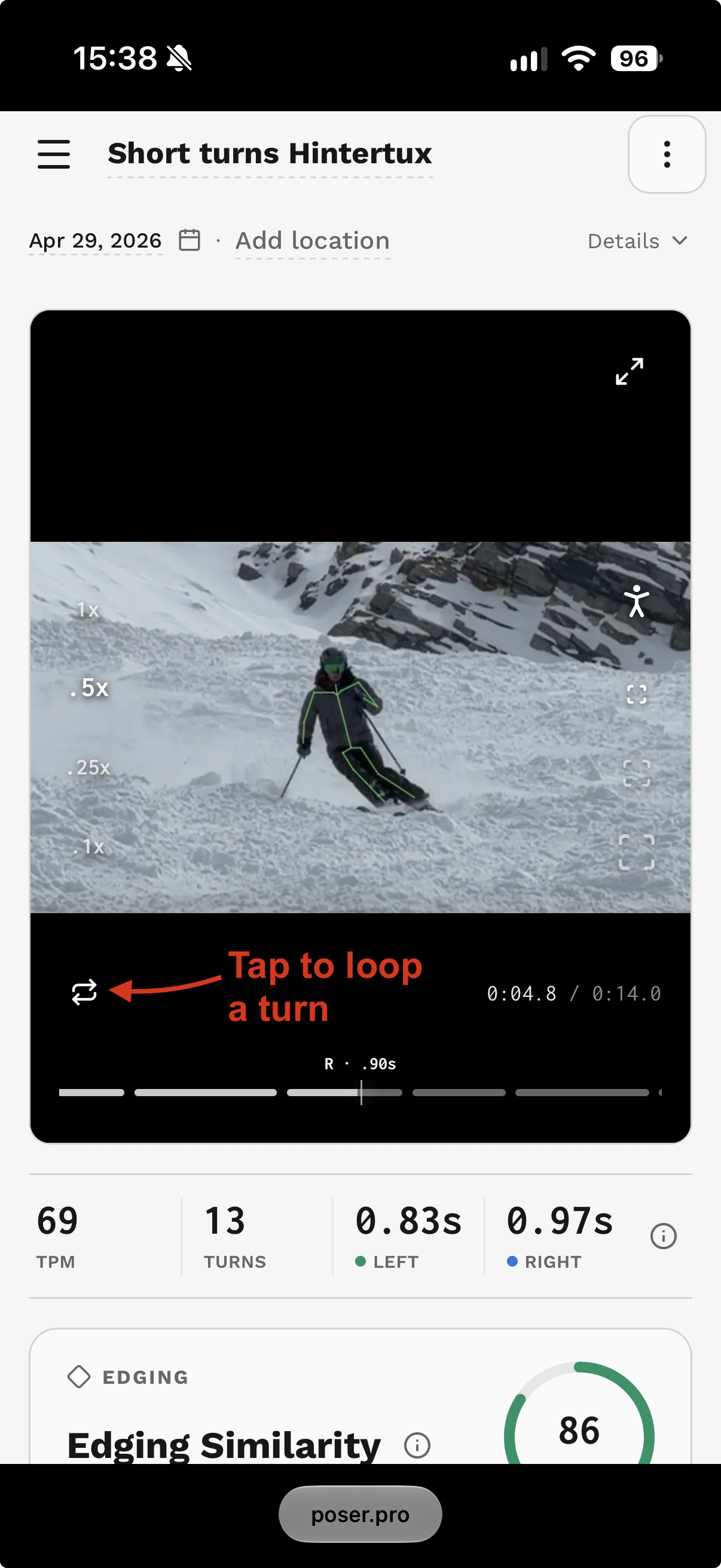
Repeat the current turn with the loop control in the replay player.
- feature
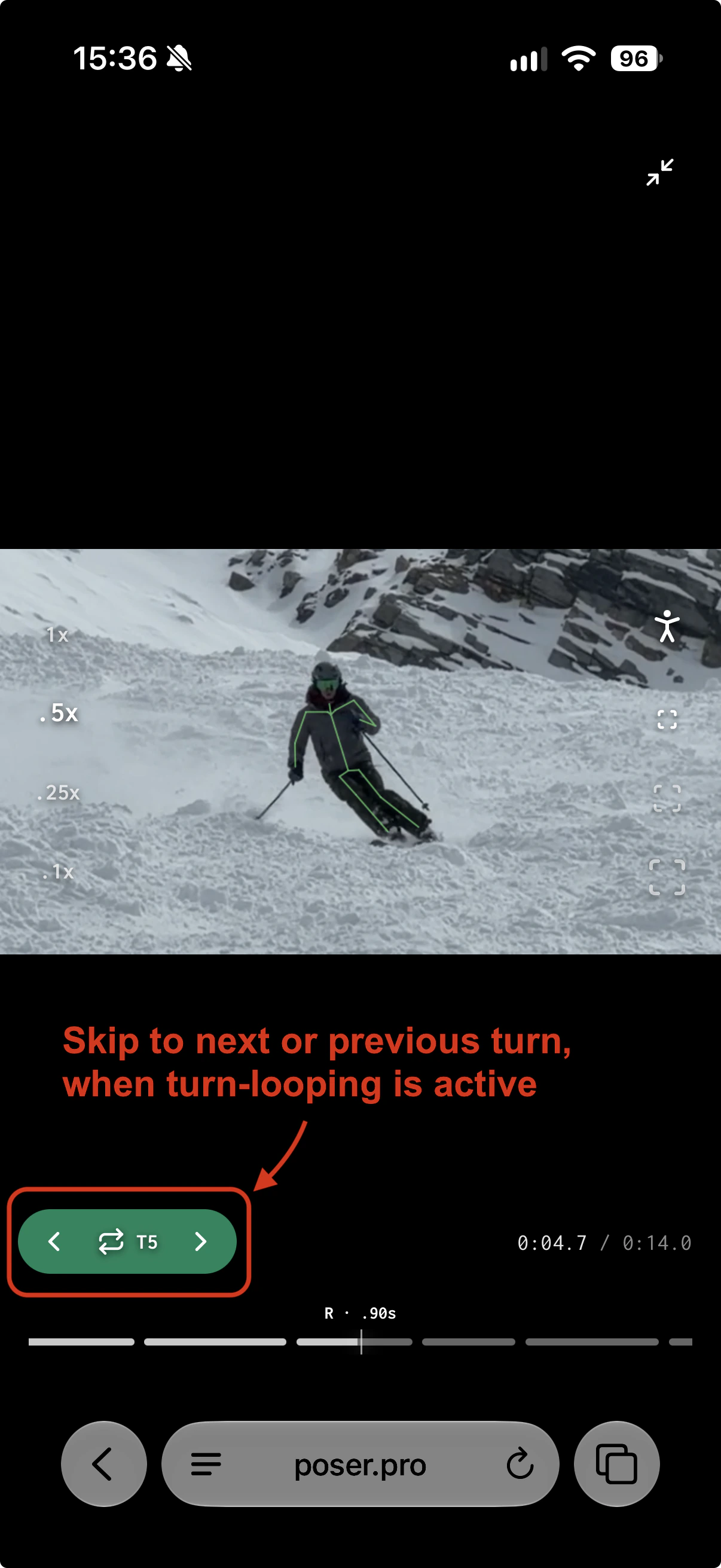
Step to neighboring turns or choose another turn on the timeline while looping.
- improvement
Keep looping while changing playback speed, crop, skeleton visibility, or fullscreen. Pausing or turning the loop off ends the repeat.
Why it matters
Take a closer look at one turn
Sometimes the detail you want to study is over before you can see it clearly. Turn looping keeps the replay on the same turn, so you can watch its entry, shape, and finish as many times as you need.
While a replay is playing, tap the loop icon. Use the arrows in the green control to move to the previous or next turn, or scrub the timeline to select another. Slow down playback for a closer look, with your chosen crop and skeleton view kept in place.